
By providing security solutions using the latest technology, Kintronics offers complete solutions that include IP video, access control, and IP audio systems that make your world safer.
Kintronics – The Experts in IP Cameras, Access Control, Paging and Other Network Attached Systems
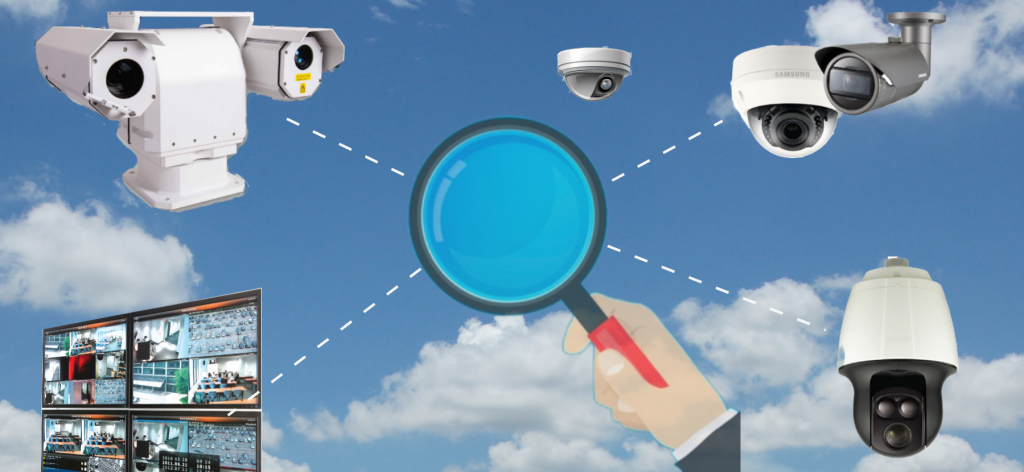
IP Camera Systems
IP Camera Systems for Business, Education, Hospitals, Government, Military, and other Organizations.
Whether you need one IP camera or a completely integrated IP camera system, we provide excellent pricing and support. This includes everything from the camera lens to the network switch and camera recording systems.
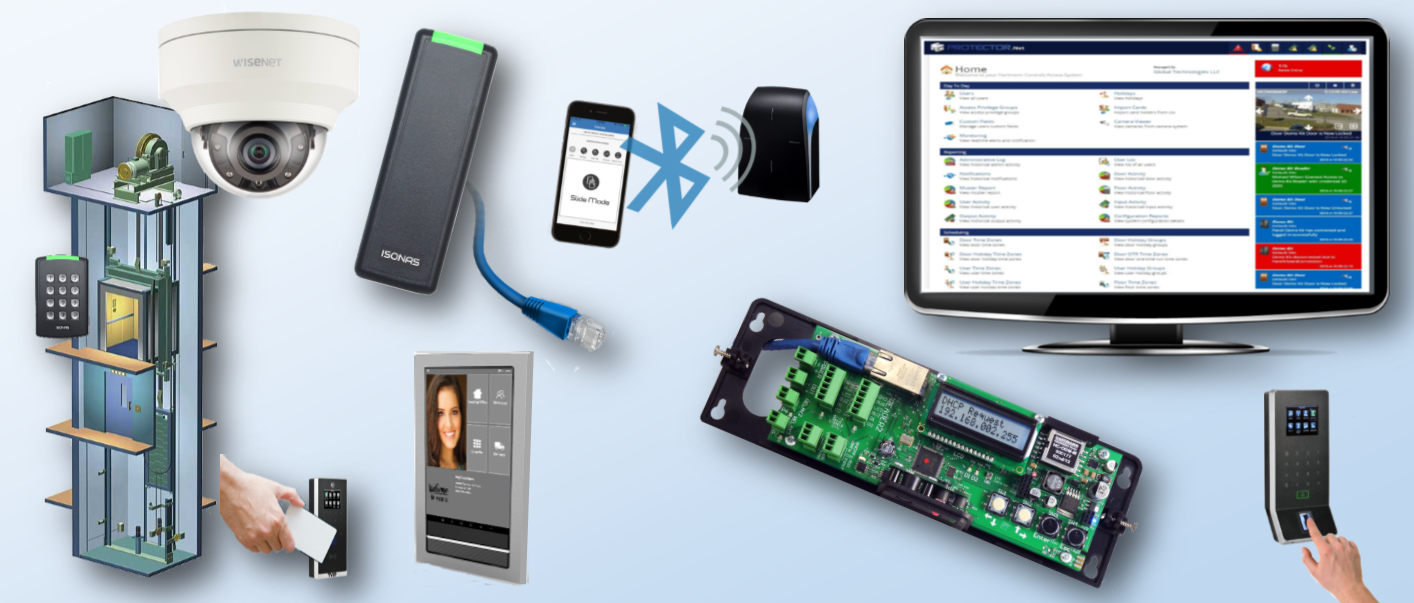
IP Door Access Control
Door access control has become a very important part of our security environment.
These complete door control systems utilize the latest network attached system technology. They connect directly to the network and are powered over Ethernet. They provide flexible and powerful solutions that can be integrated with IP camera systems and IP intercoms.
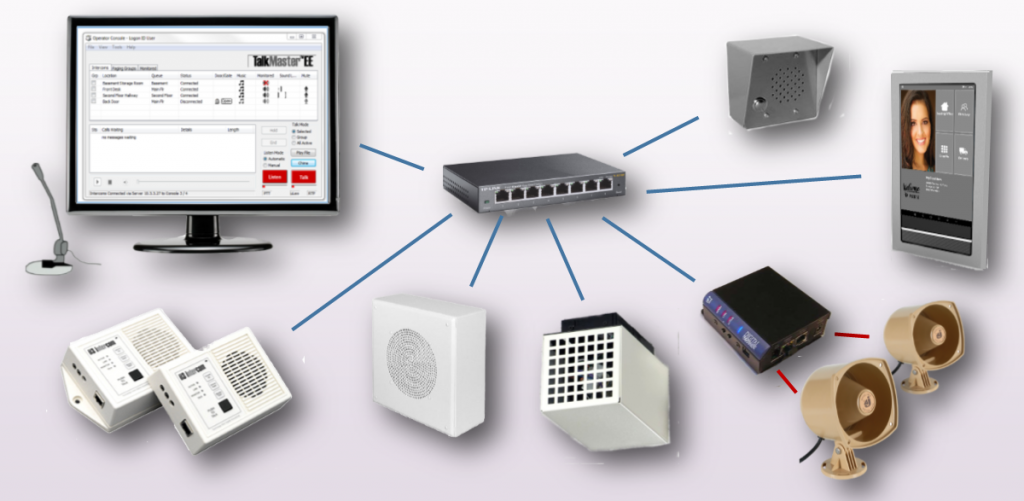
IP Paging and Intercoms
Paging provide improved security by notifying people of emergencies. IP Intercoms control access of guests to buildings.
Whether you have one building or sites located around the world, the latest IP paging and intercom systems can connect them all together. It is very easy to install a network attached emergency alert systems or provide intercoms for controlled door access.
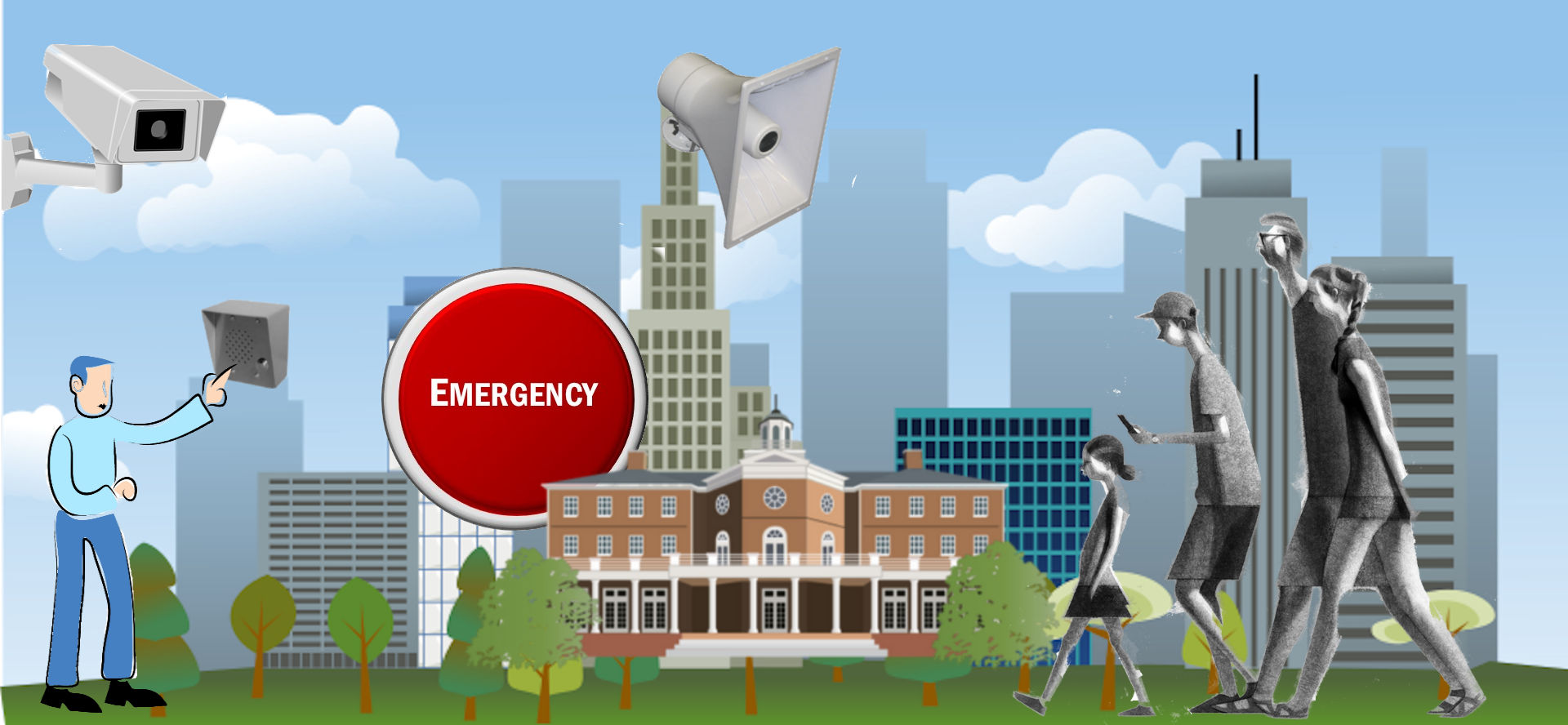
Security Systems for Emergencies
The integration of IP cameras, IP door access control, intercoms, personal emergency request systems, and emergency paging systems create a complete safety and security system.
Mobile Panic Buttons
The mobile panic button allows you to get help no matter where you are. Continue Reading …
Campus-Wide Emergency Alerts
Network-attached IP based public address and intercom systems provide emergency alert capabilities. Continue Reading …
Archiving Systems
Protected Storage Systems
Safeguard your data and your computer systems with optical storage. Write-Once technology prevents any changes to your data.
Read more about